Speaking about SSH tools, we often use the PuTTY or Termius, which are heavy weight desktop applications (users are required to download and install, and maybe upgrade manually).
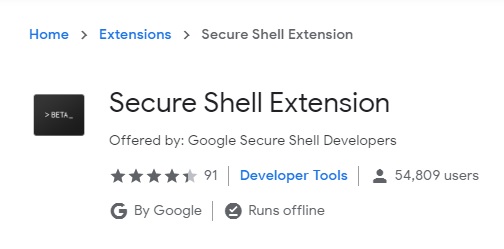
The good news is that, you can launch the SSH connections using the Secure Shell chrome extension developed by Google.
Install the Secure Shell Extension to Your Chrome Browser: https://chrome.google.com/webstore/detail/secure-shell-extension/iodihamcpbpeioajjeobimgagajmlibd
secure-shell-extension
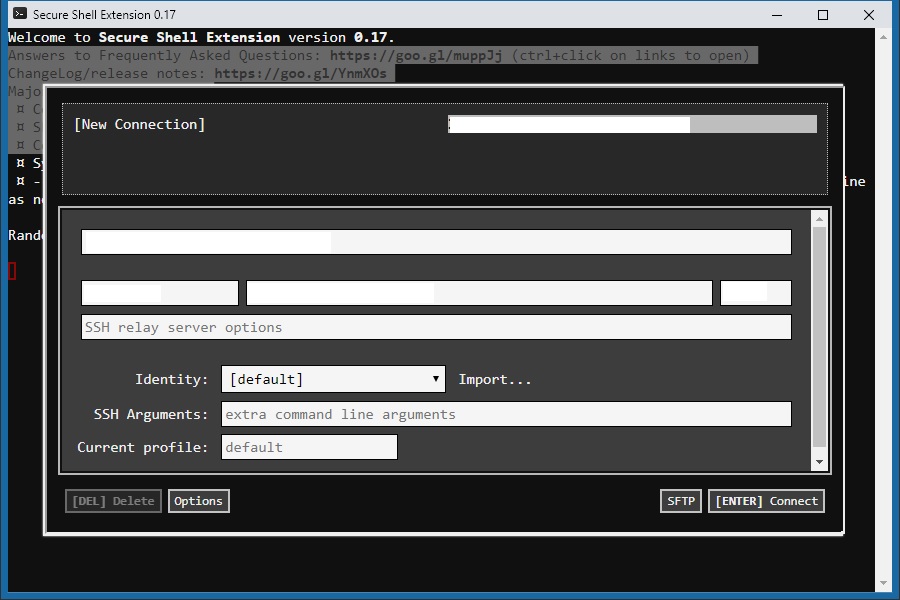
Click the extension icon, and the “Connection Dialog” will give you a nice wizard the first time.
secure-shell-extension-window
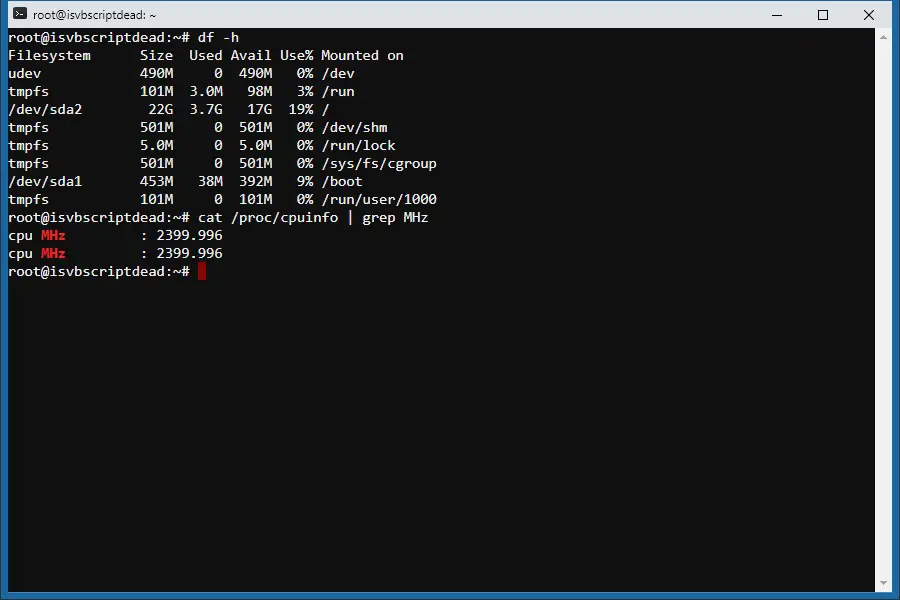
Fill in the SSH connection detail and the extension will remember the connection details – so that you can click to launch next time directly. The SSH is launched in a separate window – and it looks like a native OS application (which is a HTML window)
secure-shell-extension-window-connection
It is secure – and Google has maintained/tested it for many years. The password is not saved and should be typed in every time (didn’t see it supports importing Keys to login). The extension provides many options which can be imported and exported. It also supports SFTP (Secure FTP).
To allow using keys to login, you would need another Chrome Extension (also developed by Google): SSH Agent for Google ChromeTM
https://chrome.google.com/webstore/detail/ssh-agent-for-google-chro/eechpbnaifiimgajnomdipfaamobdfha
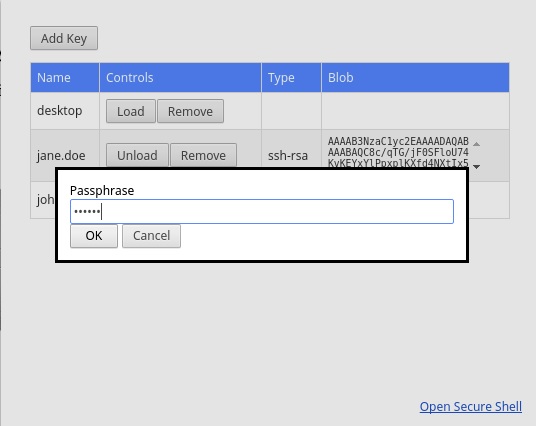
Add/Import/Manage the Keys via the SSH Key Agent Chrome Extension.
ssh-key-agent
Then you can paste the keys in the Secure Shell Chrome Extension. So you don’t need to enter username/password every time when you want to SSH to your host.
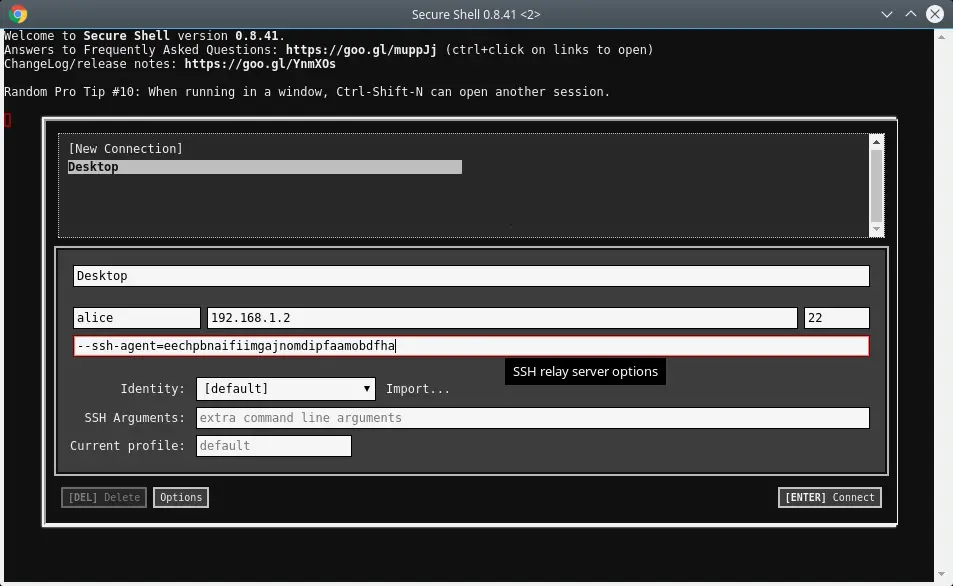
secure-shell-using-keys-to-login
It is platform independent – which is a handy tool that you can run whenever you have a Chrome browser. It is there when you need it fast.
–EOF (The Ultimate Computing & Technology Blog) —
Last Post: The Valid Mountain Array Algorithm
Next Post: How to Count Univalue Subtrees in a Binary Tree?