Run Unit Tests Remotely in Grid Server using NCrunch (Visual Studio)


With NCrunch, you can run unit tests continuously in background that will give you confidence when you change the source code. However, NCrunch does consume some CPU/IO resource because it will invoke mstask and run unit tests.

To offload the tasks from local PC, you could set up a grid node that runs the NCrunch as the server and let the unit test uploaded and executed automatically.

Setup NCrunch Server
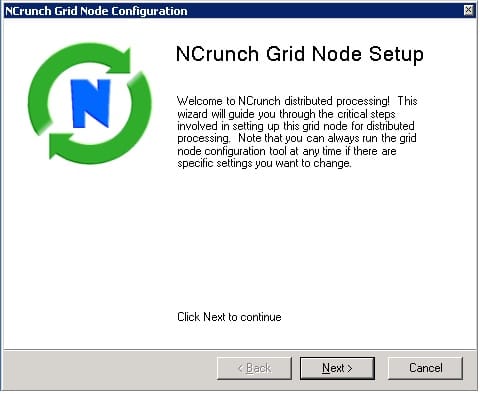
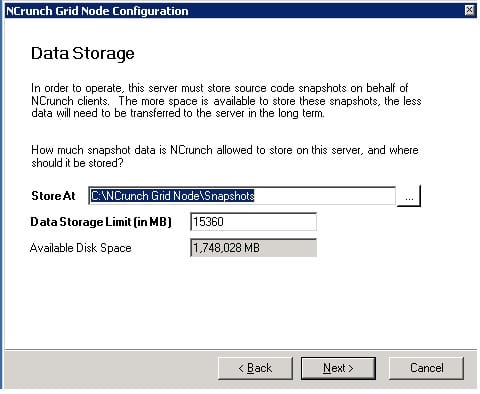
ncrunch-gridd-node-setup-1 Run Unit Tests Remotely in Grid Server using NCrunch (Visual Studio)

Ncrunch server setup

ncrunch-gridd-node-setup-4 Run Unit Tests Remotely in Grid Server using NCrunch (Visual Studio)

ncrunch storage limit

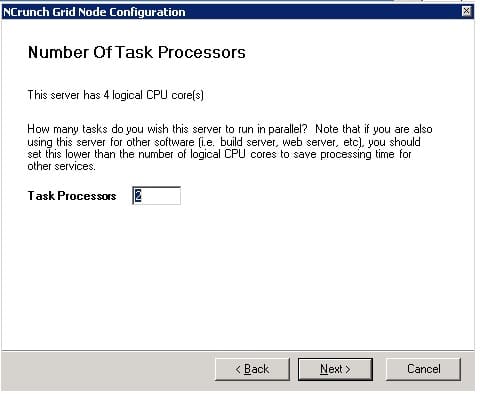
ncrunch-gridd-node-setup-3 Run Unit Tests Remotely in Grid Server using NCrunch (Visual Studio)

ncrunch-cpu

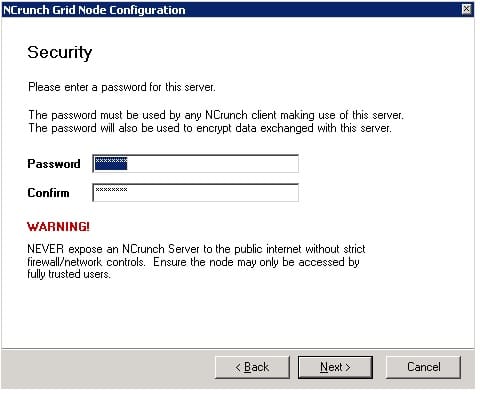
ncrunch-gridd-node-setup-2 Run Unit Tests Remotely in Grid Server using NCrunch (Visual Studio)

setting up server password

NCrunch will listen on the default port on server, and you will see a process running in background:

ncrunch-server Run Unit Tests Remotely in Grid Server using NCrunch (Visual Studio)

ncrunch-server task manager process

NCrunch Client
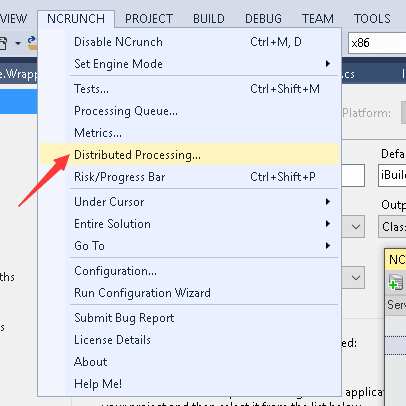
ncrunch-3 Run Unit Tests Remotely in Grid Server using NCrunch (Visual Studio)

ncrunch distributed

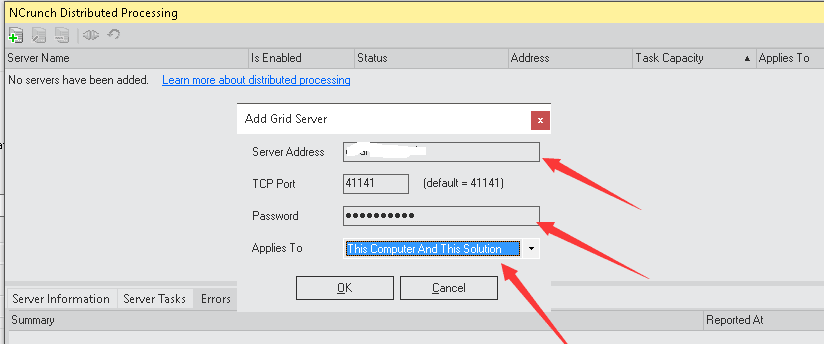
ncrunch-2 Run Unit Tests Remotely in Grid Server using NCrunch (Visual Studio)

add a server node

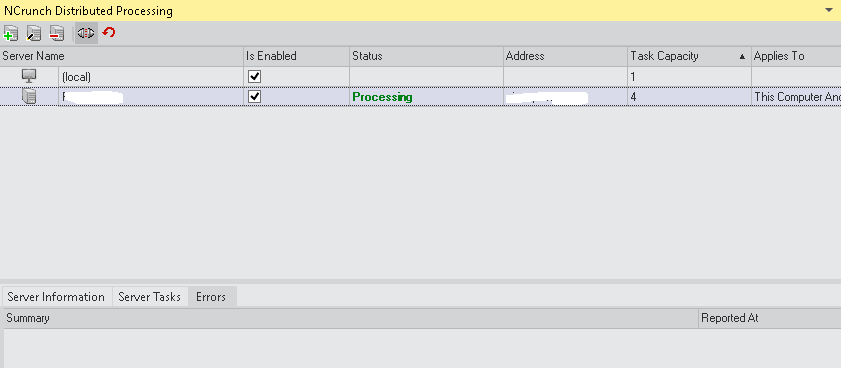
ncrunch-1 Run Unit Tests Remotely in Grid Server using NCrunch (Visual Studio)

monitor tests

–EOF (The Ultimate Computing & Technology Blog) —

350 words
Last Post: NCrunch - Automatic Unit Testing Tool for C#
Next Post: Bidvertiser - 10$ in 2 years - As Backup Ads in Google Adsense

The Permanent URL is: Run Unit Tests Remotely in Grid Server using NCrunch (Visual Studio) (AMP Version)

Leave a Reply