Wine (WINE IS NOT AN EMULATOR) is an excellent alternative on LINUX if you want to run some windows program quickly instead of installing virtual machines or double boot.
Here are a list of things you need to unveil after you install WINE.
First, you need to run at the command shell
sudo apt-get install wine
which will install the WINE.
After that, you can run .EXE windows programs, which will invoke the WINE Program Loader. It is said that the performance is roughly the same, there is no/little performance bottleneck because WINE is not a simply emulator for windows.
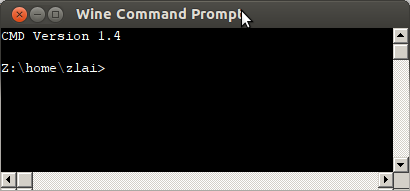
1. Command Shell
You can launch the command shell (cmd.exe on windows) in WINE using wine cmd or /usr/bin/wineconsole cmd
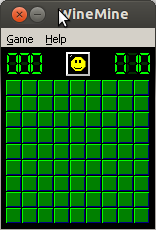
2. Mine Game
The classic mine game can be found /usr/bin/winemine
3. mspaint
The mspaint program, if not installed, run winetricks mspaint
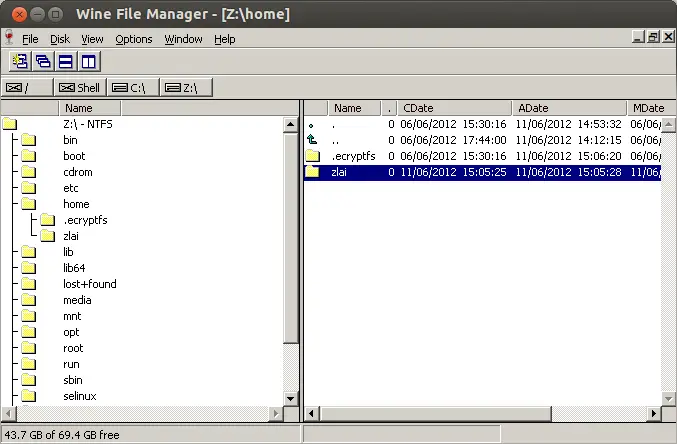
4. Explorer
/usr/bin/winefile
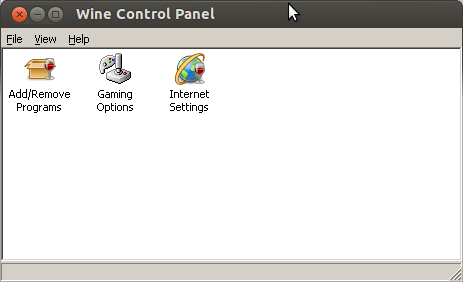
5. Control Panel
wine control
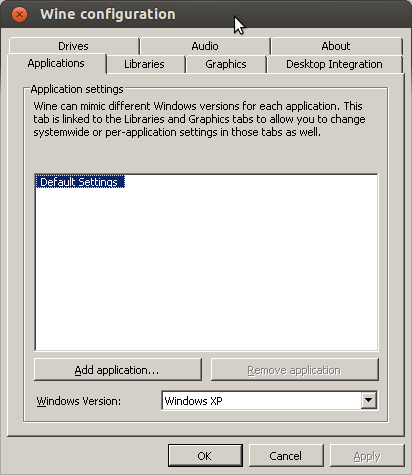
6. winecfg
Configure the WINE environment
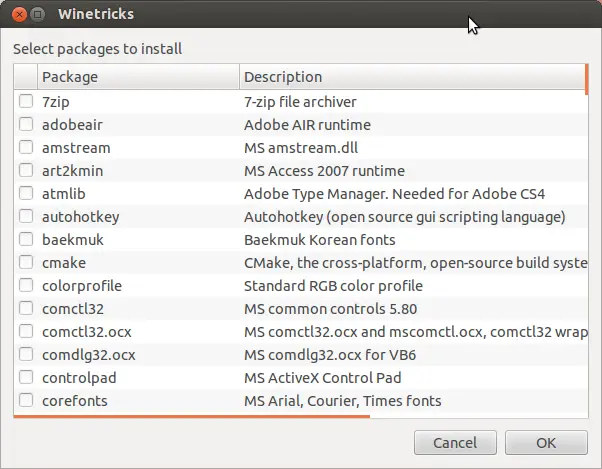
7. winetricks
A quick tool to install software for WINE
–EOF (The Ultimate Computing & Technology Blog) —
375 wordsLast Post: Passing Arguments to BASH function
Next Post: Quick Examples on SED