The following provides a method to get the hard drive serial number using PowerShell, VBScript and Javascript, respectively.
PowerShell
You can get this serial number for the first hard drive (e.g. C) using the following powershell command line:
PowerShell.exe -NoProfile -ExecutionPolicy Bypass -Command "Write-Host Your hardware ID is ((wmic path win32_logicaldisk get volumeserialnumber)[2]).trim().toLower()"
VBScript
Using VB, you can get the WMI Object:
On Error Resume Next

strComputer = "."
Set objWMIService = GetObject("winmgmts:{impersonationLevel=impersonate}!\\" & strComputer & "\root\cimv2")
str = ""
Set colItems = objWMIService.ExecQuery("SELECT * FROM Win32_LogicalDisk Where DeviceID = 'C:'")
For Each objItem In colItems
	str = LCase(objItem.VolumeSerialNumber)
Next

InputBox ("Machine Code", "Machine Code", str)
Javascript
Microsoft’s JScript implementation for Windows Scripting Host:
/* global GetObject */
(function() {
	"use strict";
	var strComputer = '.';
	var SWBemlocator = new ActiveXObject("WbemScripting.SWbemLocator");
	var wmi = SWBemlocator.ConnectServer(strComputer, "/root/CIMV2");
	var str = '';
	var colItems = wmi.ExecQuery("SELECT * FROM Win32_LogicalDisk Where DeviceID = 'C:'");
	var e = new Enumerator(colItems);
	for(; ! e.atEnd(); e.moveNext()) {
		str = e.item().VolumeSerialNumber.toLowerCase();
	}
	WScript.Echo ("Machine Code = " + str);
})();
It is a bit tricky in JScript because you would need to use WbemScripting.SWbemLocator to create the WMI Object. And the Enumerator is required to loop the VB-style dictionary.
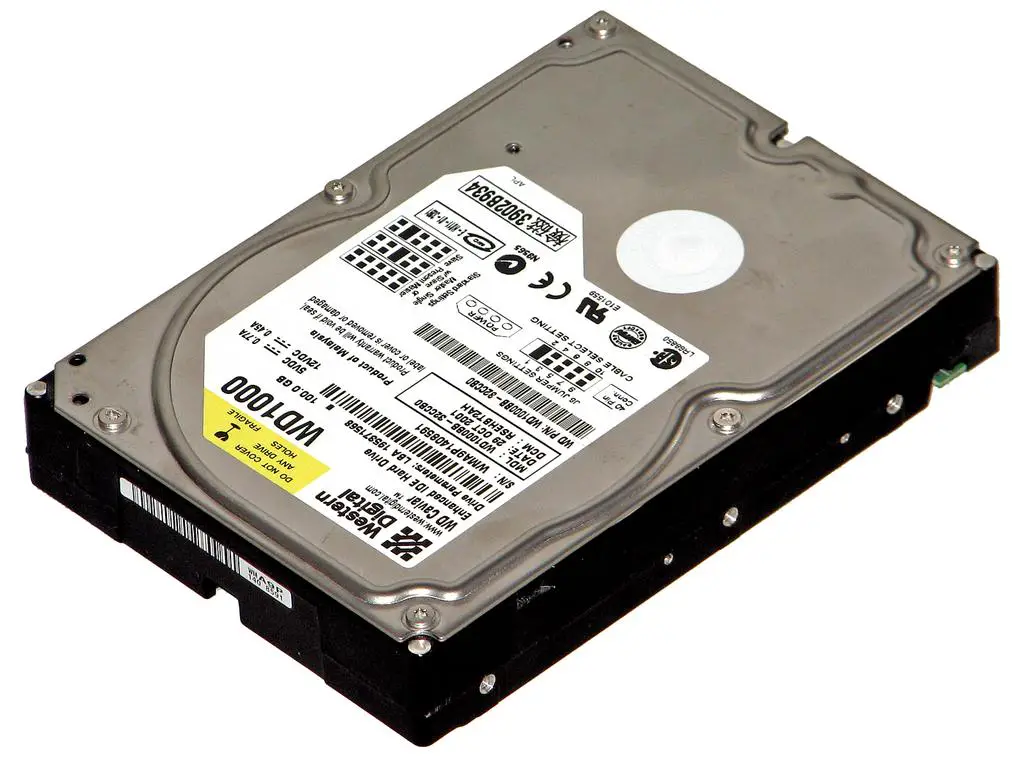
Hard_disk_Western_Digital_WD1000_1_(dark1)
–EOF (The Ultimate Computing & Technology Blog) —
334 wordsLast Post: Markdown Markup Language - Quick Tutorial
Next Post: How to Submit Sitemaps using PHP automatically?