You probably have a list of files e.g. camera pictures that you want to re-number sequentially. For example, the photos are named using dates-and-time string.
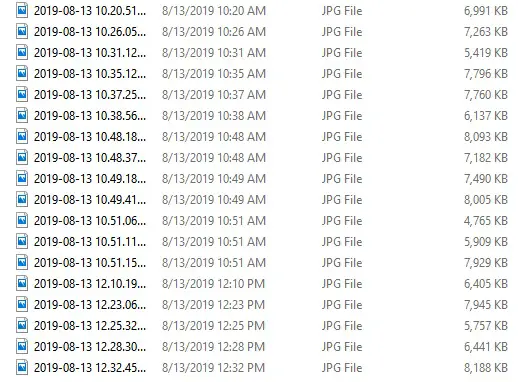
image-list-with-dates
However, this is not idea, as many of us want to re-name the files sequentially and possibly with a prefix.
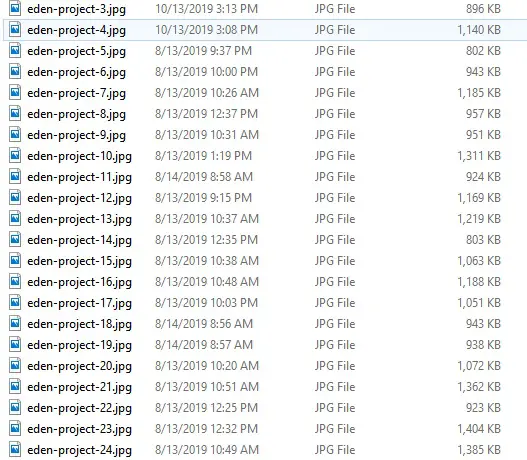
images-re-numbered
Using the batch script below, we can easily rename all files in the same folder sequentially.
@echo off
REM rename-tool.cmd
setlocal enabledelayedexpansion

set num=1
for %%f in (*.%2) do (
	ren "%%f" "%1!num!.%2"
	rem increment the numbering
	set /a num=!num!+1
)
endlocal
Example usage:
rename-tool myfiles- jpg
The first parameter is the prefix, and the second parameter the file suffix (extension). The above batch script may fail to rename some files if the target file exists, thus it is better to choose a different prefix when first time renaming all the files in the folder.
–EOF (The Ultimate Computing & Technology Blog) —
253 wordsLast Post: How to Split a String in Balanced Strings?
Next Post: The Bash Programming Tutorial: Compute the GCD (Greatest Common Divisor)