This chrome browser extension Wappalyzer allows you to view a list of technology used in current website (current tab) Share on X.
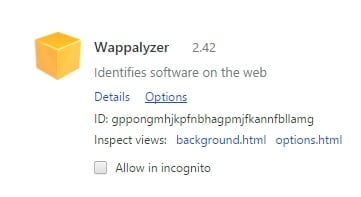
wappalyzer-chrome-extensions
And here is a list of technology used in this blog.
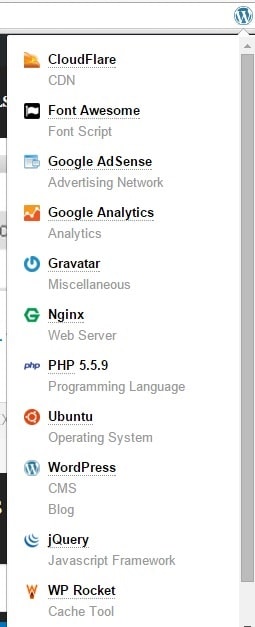
wappalyzer-chrome-extensions-helloacm
And basically it is convenient to learn from others if you fancy a blog, or you can check if a particular plugin is correctly installed, e.g. WP-Rocket Me.
1. CloudFlare
2. Adsense
3. Google Analytics
4. Gravatar
5. Ngix Webserver (This is not correct, I am using Apache2, but I guess this means the CloudFlare server instead)
6. Font awesome (I remove Google Fonts)
7. PHP 5.5.9
8. Ubuntu
9. WordPress (CMS, Blog, Obviously)
10. JQuery
11. WP Rocket.
Install on Chrome: CHROME PLUGIN – WAPPALYZER
Github Source: https://github.com/AliasIO/Wappalyzer
–EOF (The Ultimate Computing & Technology Blog) —
284 wordsLast Post: Planning Cards - Agile Poker Game!
Next Post: From Windows 1.0 to Windows 11
Wappalyzer is nice tool for identifying technologies used on websites.
Where are the INSTRUCTIONS on “How to use Wappalyzer???
Just click the icon.. where else instructions do you need?