Windows 10 has rolled out in pace and it is said it is the last major Windows OS. The C:\ hard drive stores the previous OS installation file just in case if you are not happy so Windows knows how to roll back changes. If you are sure you don’t want to ever go back, then you can free-up these files.
1. Press Windows key + R
2. Type and Enter: %windir%\system32\cleanmgr.exe

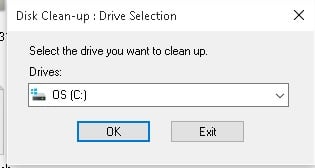
free-up-windows-space

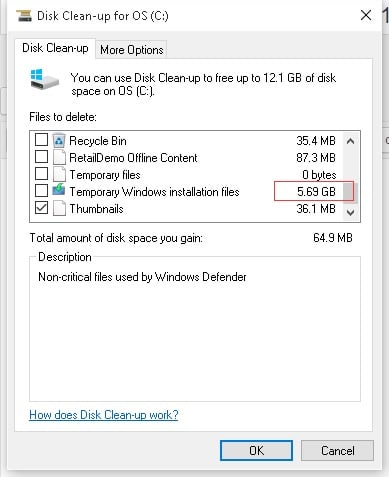
free-up-windows-space-installation

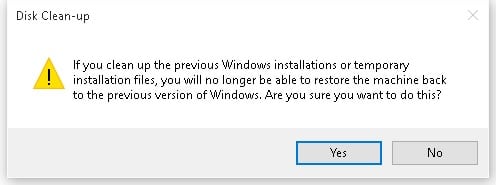
no-turning-back

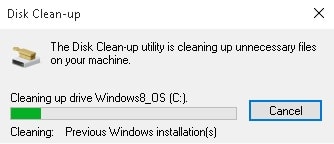
cleanup-previous-windows
–EOF (The Ultimate Computing & Technology Blog) —
Last Post: Agile Development - Burndown Chart
Next Post: Registry: Add [Run as Administrator] to Right-Click Menu in Windows 10