Account Safety is very important especially if you have important online assets (banking accounts). Hacking passwords are becoming easier than before with the super computers. It is not impossible to hack an online account. It is just a matter of time and resources.
To greatly improve the security and your account’s safety, you can use this 2-factor authentication method if applicable. For example, the cloudflare (a popular Content Delivery Network) supports 2-factor auth for the account safety.
First, go to the account settings of the CloudFlare and input the mobile phone number (for verification).
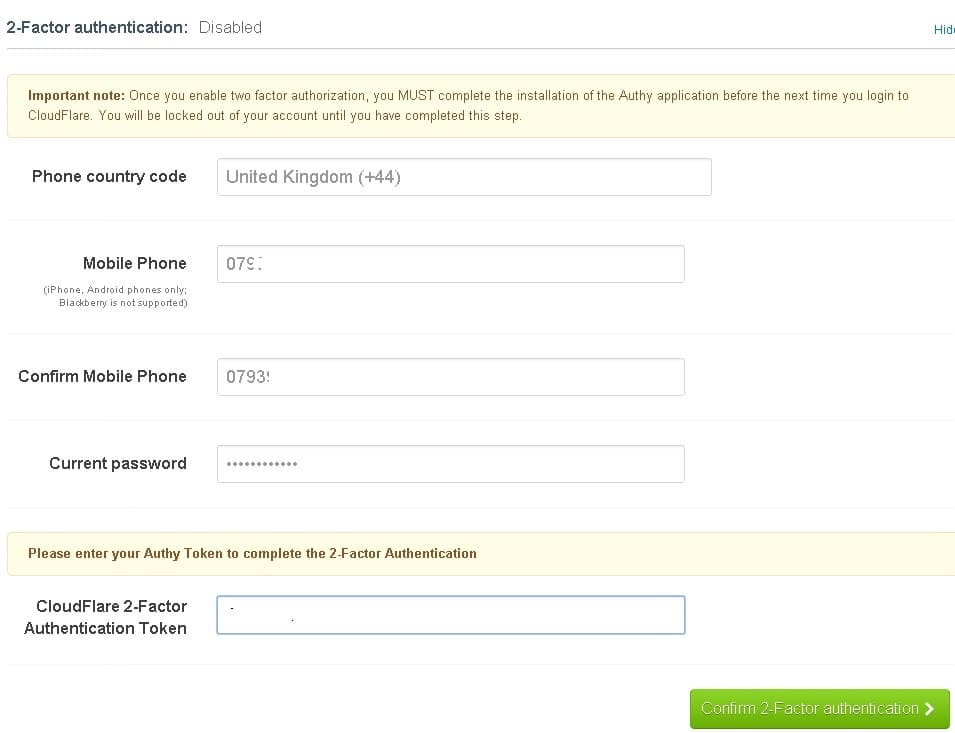
Enabling 2-factor Auth for Cloudflare Account
You will soon get a text message but there is no sesentive security code in it, rather it is a general message telling you to install a Authy app. You can install it on your smart phones but I prefer it to install it in my Chrome browser (Desktop).
The Authy App allows you to set up a master password, that is required everytime you login Authy.
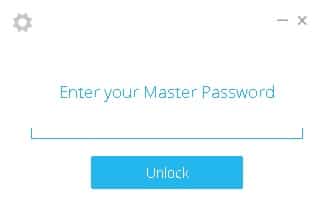
Authy Login Master Password
After you login Authy, you will be able to see a list of applications that are 2-factor auth enabled.
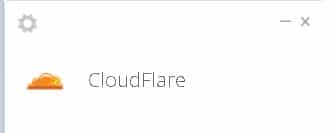
2-factor auth enabled applications
Clicking the App icon and this will give you a temporarily security code that will expire in a few seconds. Copy this to the textbox on the CloudFlare website and you are good to go. However, this 2-factor auth can be skipped (remembering login for 14 days) if you do not want to input every time when you login.
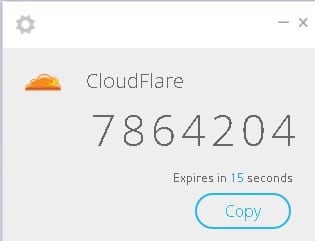
Security code expires in a few seconds
This greatly improves the account safety since the login process require the third party App Authy and the security code is only valid for a couple of seconds.
–EOF (The Ultimate Computing & Technology Blog) —
Last Post: List of WordPress Plugins
Next Post: Staying Protected - National Cyber Security Awareness