As of on 26/03/2015, I successfully transfer all my 6 domains from Fasthosts (helloacm.com and steakovercooked.com), QuickhostsUK (uploadbeta.com and codingforspeed.com), Namecheap (justyy.com) and Godaddy (rot47.net) to Namesilo.
Advantages of Namesilo
1. Free Whois Guard Privacy for free for ever!2. Cheap domain renew fees compared to the competitors.3. Handy Domain Management Panel4. All in one place and you can deal with multiple domains at a time (batch).5. Provides 2-Factor Authorization which enhances the account security.
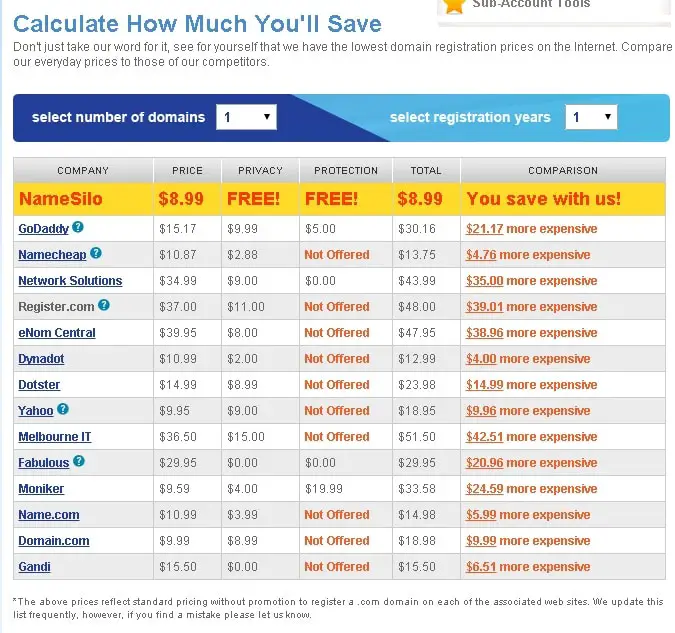
name-silo-prices
Costs of Transfer-In
Below is the total fee I paid (34.85 GBP) to transfer in 6 domains. The average price of transferring one domain is 5.8 GBP.
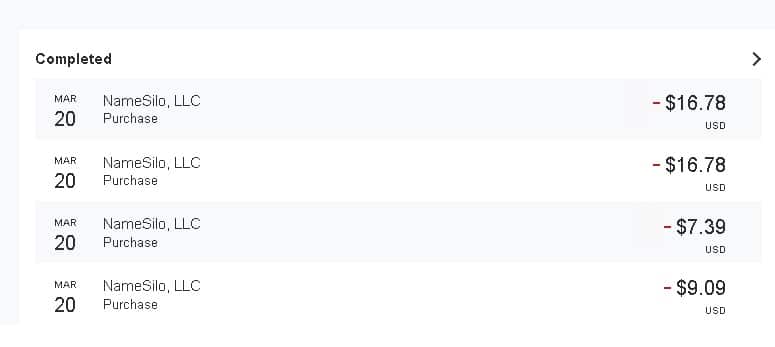
namesilo-paypal
Domains Current Expiry
helloacm.com 30-oct-2023
codingforspeed.com 21-dec-2023
justyy.com 23-nov-2023
steakovercooked.com 09-oct-2023
rot47.net 22-dec-2023
uploadbeta.com 06-jul-2024
After transfer, all domains are added one year expiry except those domains who already reach 10 year maximum and in this case, the 10-year maximum expiry will be set.
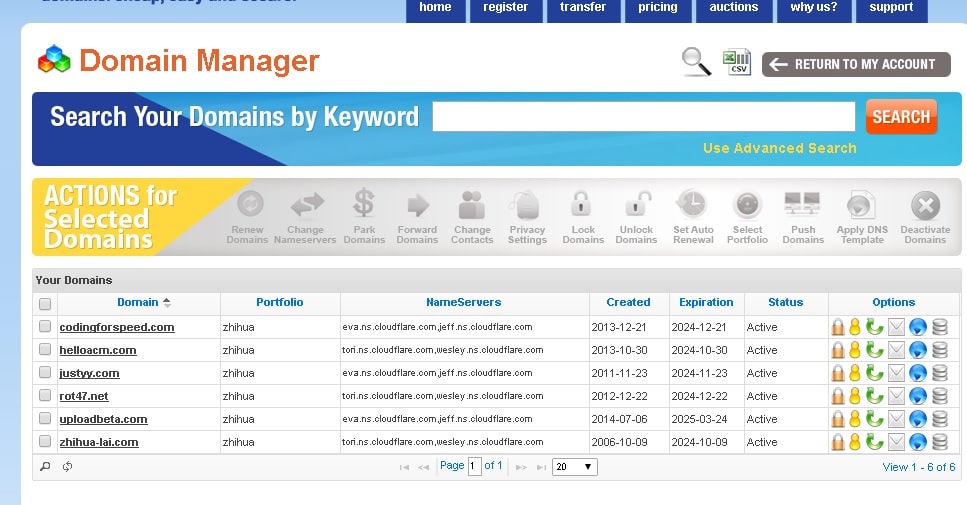
name-silo-transfer-finished
Transfer Process
You would actually first unlock the domain in your previous domain registrar and retrieve the EPP code (e.g. via Email). Make sure your domain’s privacy is disabled as later the email will be retrieved from WhoIs database to send the verification. To avoid disrupt current websites and make sure all transfers seemlessly complete, we recommend the following transfer settings to make sure no changes (name servers are made).
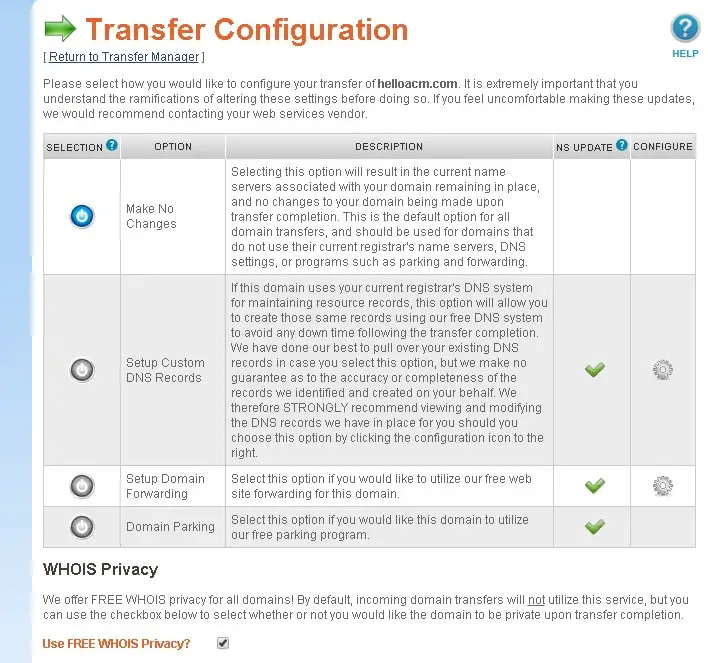
name-silo-domain-transfer-configuration
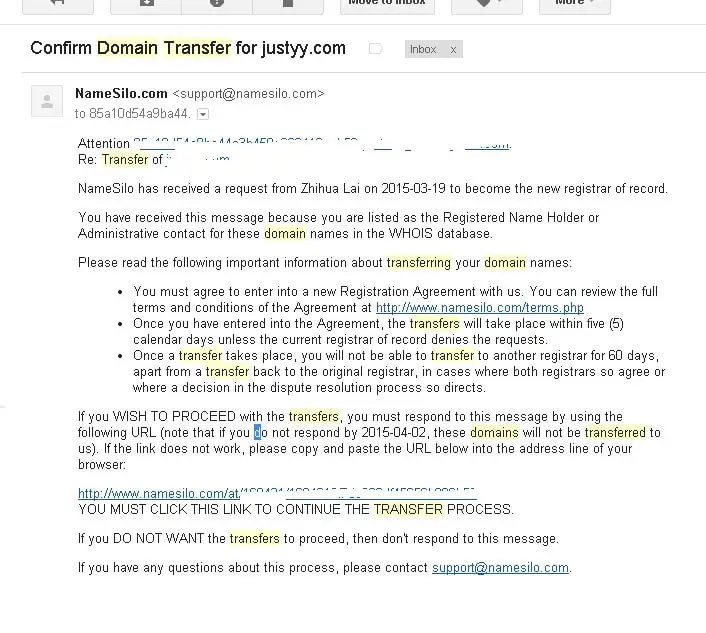
domain-transfer-email
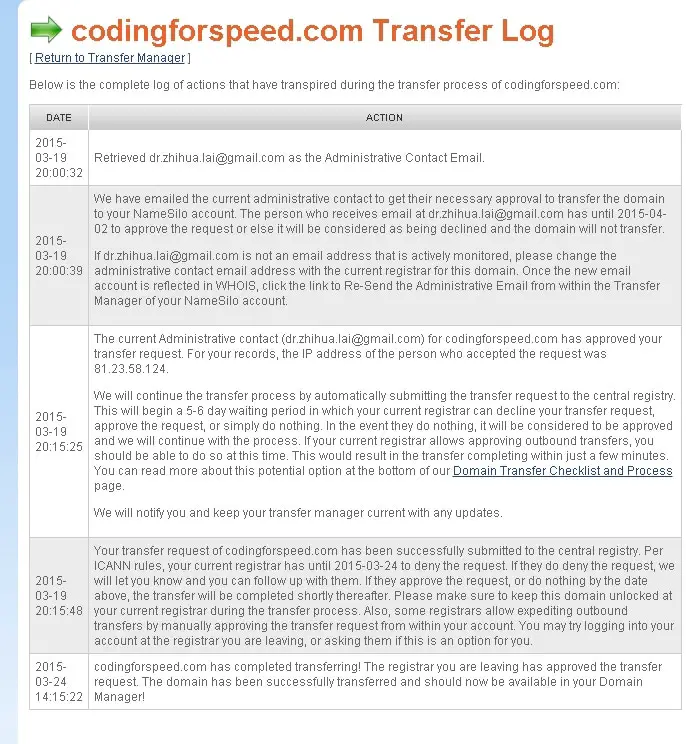
domain-transfer-log
codingforspeed.com has completed transferring! The registrar you are leaving has approved the transfer request. The domain has been successfully transferred and should now be available in your Domain Manager!
And after transfer, your previous registrar may still hold your domains for a while (They will be removed on the next cron run within 24 hours).
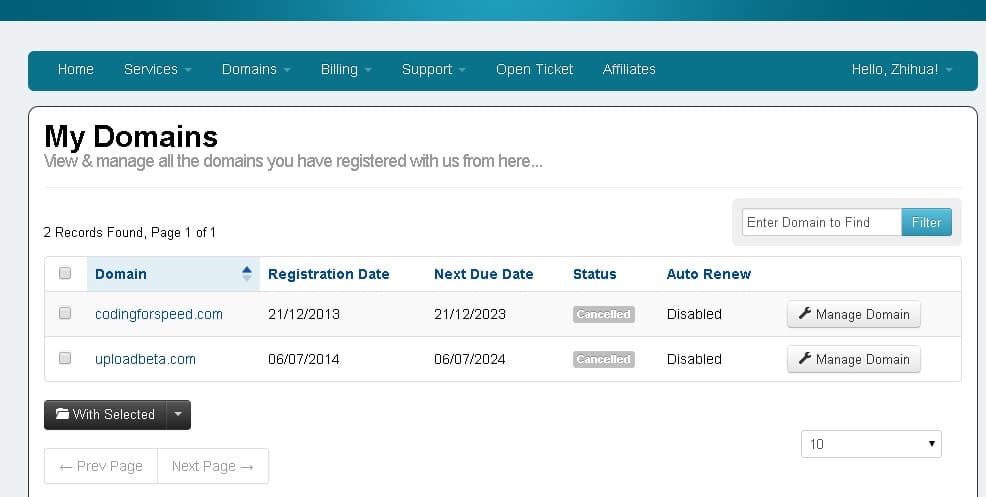
quickhost-cancelled-domains
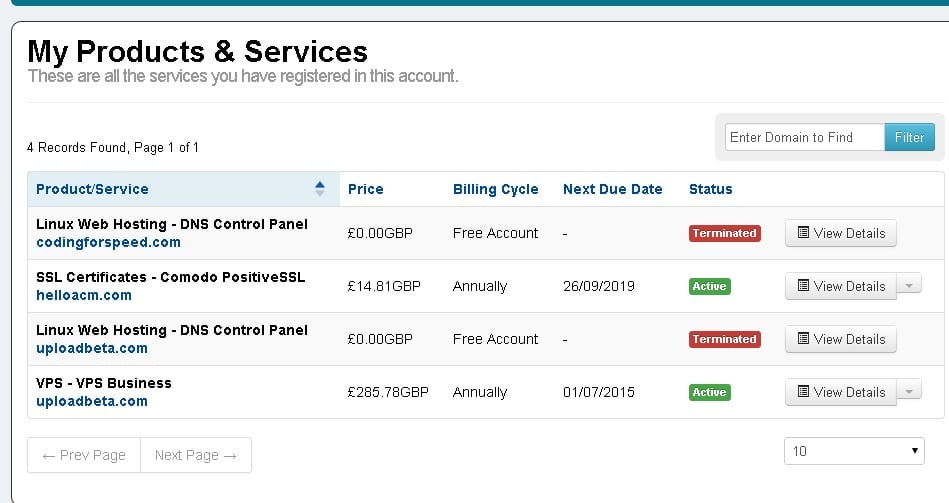
quickhost-cancelled
Email Forwarding
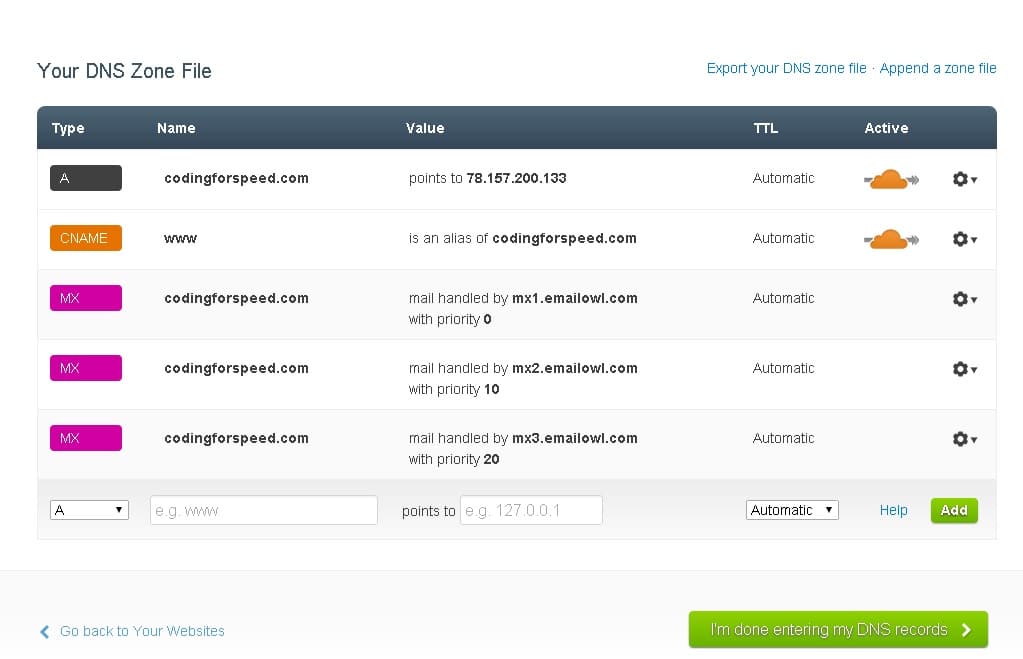
As I am using CloudFlare CDN, the nameservers are CloudFlare. Therefore, to enable simple email forwarding, you would need to add MX records in CloudFlare Control Panel to the Namesilo
MX1.EMAILOWL.COMMX2.EMAILOWL.COMMX3.EMAILOWL.COM
And the DNS records look like this:
cloudflare-email-setting-after-transfer
–EOF (The Ultimate Computing & Technology Blog) —
923 wordsLast Post: How to Disable FTP Login Details in WordPress when Upgrading Plugins?
Next Post: How to Search Twits with Pictures/Images using PHP?